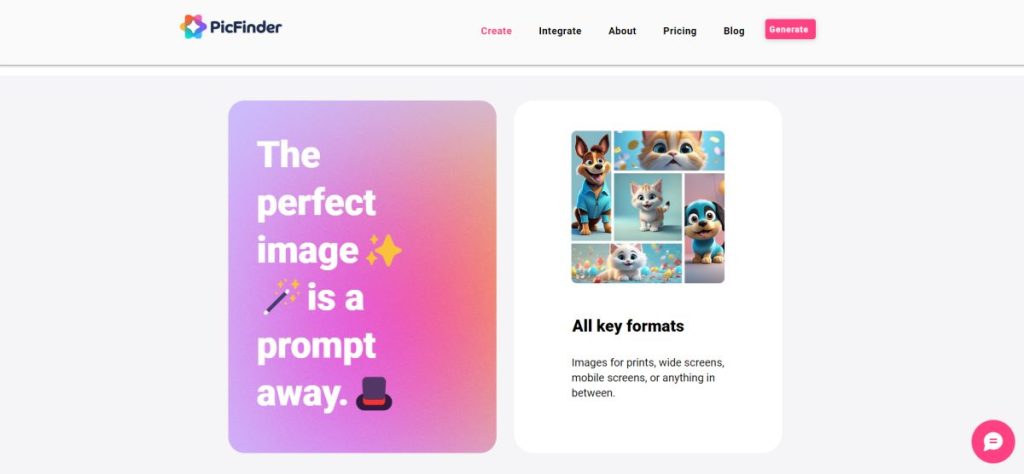
Picfinder ai image generator

PicFinder is an advanced AI-powered image generation tool that transforms text descriptions into visually compelling images. It serves as a versatile platform for artists, designers, content creators, and businesses looking to generate high-quality visuals quickly and effortlessly. By leveraging the latest in artificial intelligence, PicFinder offers a range of features and tools that make image creation more accessible and customizable.

Features

  1. AI-Powered Image Generation: At the core of PicFinder is its AI model, which interprets user-provided text prompts to create detailed images. The AI understands various styles, themes, and object descriptions, producing visuals that align with the given instructions. This technology enables users to turn their creative ideas into reality without needing advanced design skills.
  2. Customization Options: Users can fine-tune the generated images by specifying styles, colors, and details in the prompt, such as realism, cartoon-like features, abstract designs, or specific settings. These customization features ensure that the generated content meets the specific requirements of different projects.
  3. Style Selection: PicFinder supports various artistic styles, allowing users to generate images in formats such as digital art, oil painting, sketch, and more. This versatility enables users to create images suitable for different applications, from commercial use to artistic projects.
  4. Batch Image Generation: For users who need multiple images at once, PicFinder allows batch generation, creating several variations of images based on a single prompt. This feature is particularly useful for projects requiring a range of similar visuals, such as product catalogs or social media content.
  5. Image Upscaling: The platform includes built-in image enhancement tools that upscale lower-resolution images to higher resolutions without losing quality. This feature is ideal for users who need large-format visuals for print or detailed digital displays.
  6. Free and Paid Plans: PicFinder offers both free and paid subscription options. The free plan provides access to basic image generation features with some limitations on usage, while paid plans unlock advanced capabilities, such as higher-quality image outputs, increased generation limits, and priority processing.

Tools

  1. Text-to-Image Generator: The primary tool on PicFinder allows users to create images by inputting descriptive text. This text-based approach is easy to use and offers a quick way to bring ideas to life, whether it’s for generating landscapes, portraits, or abstract art.
  2. Image Style Modifier: Users can enhance the visual output by selecting specific art styles before generating the image. This tool ensures that the final visual matches the desired aesthetic, whether it’s a realistic rendering or a stylized, artistic look.
  3. Editing and Refinement Tools: PicFinder includes tools for refining the generated images, such as cropping, adding filters, and adjusting brightness or contrast. These editing capabilities allow users to tweak the output to better suit their needs.
  4. Image Library and History: The platform saves previously generated images in a personal library, allowing users to revisit, edit, or download past creations. This feature is especially useful for managing projects that require multiple iterations of visual content.

Uses

PicFinder streamlines the process of image creation, making it accessible for everyone, from professionals who need high-quality visuals to individuals who want to explore artistic creativity. Its AI-powered tools and flexible subscription options offer a scalable solution for various visual content needs.

Alternatives to Picfinder

Looking for the best alternatives to Picfinder? Here are similar creative AI tools suggestions you can try.